Review: Google Pixel Watch 4
The new Pixel Watch brings some serious competition to the smartwatch category at a reasonable price
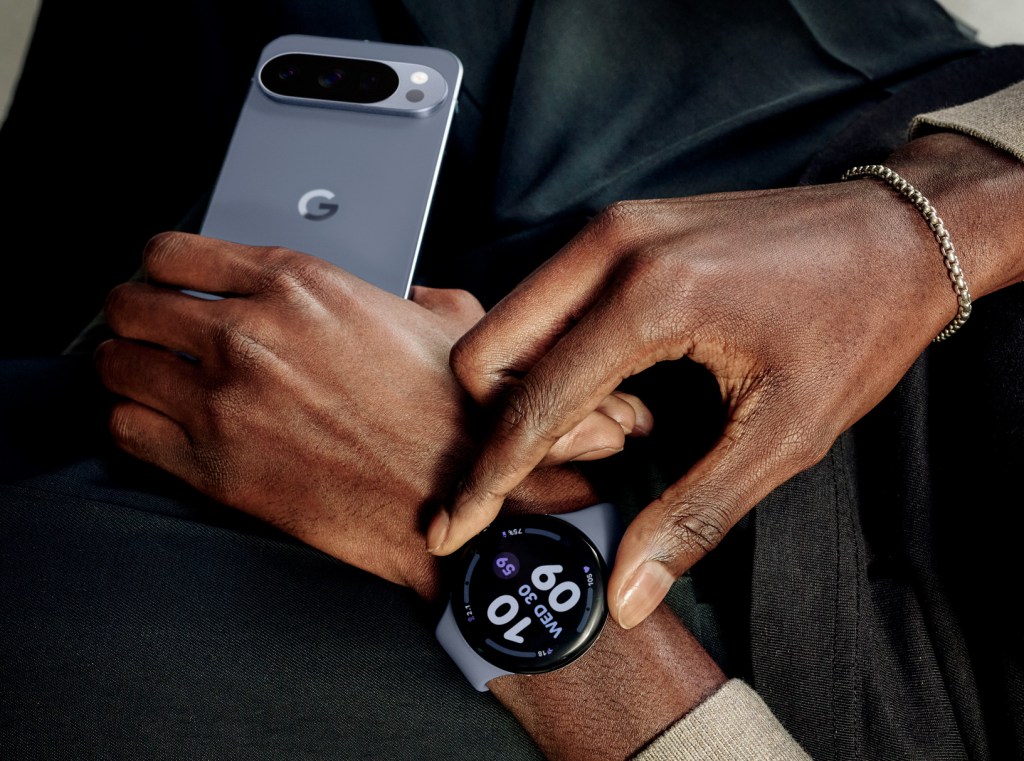
Google recently updated the Pixel Watch. Wait, the what? You could be forgiven for thinking that after Apple entered the fray with the Apple Watch and soon came to dominate the “wearable” space, every other maker dropped out of the competition. Close, but not quite.
The reality: Apple’s near control of the smartphone realm allowed them to assert the same dominance in wearables. That’s because wearables aren’t just timepieces—they’re designed to operate as health-sensing, downsized portable extensions of smart phones. And they’re especially made to only operate fully when paired to an iOS or Android phone.
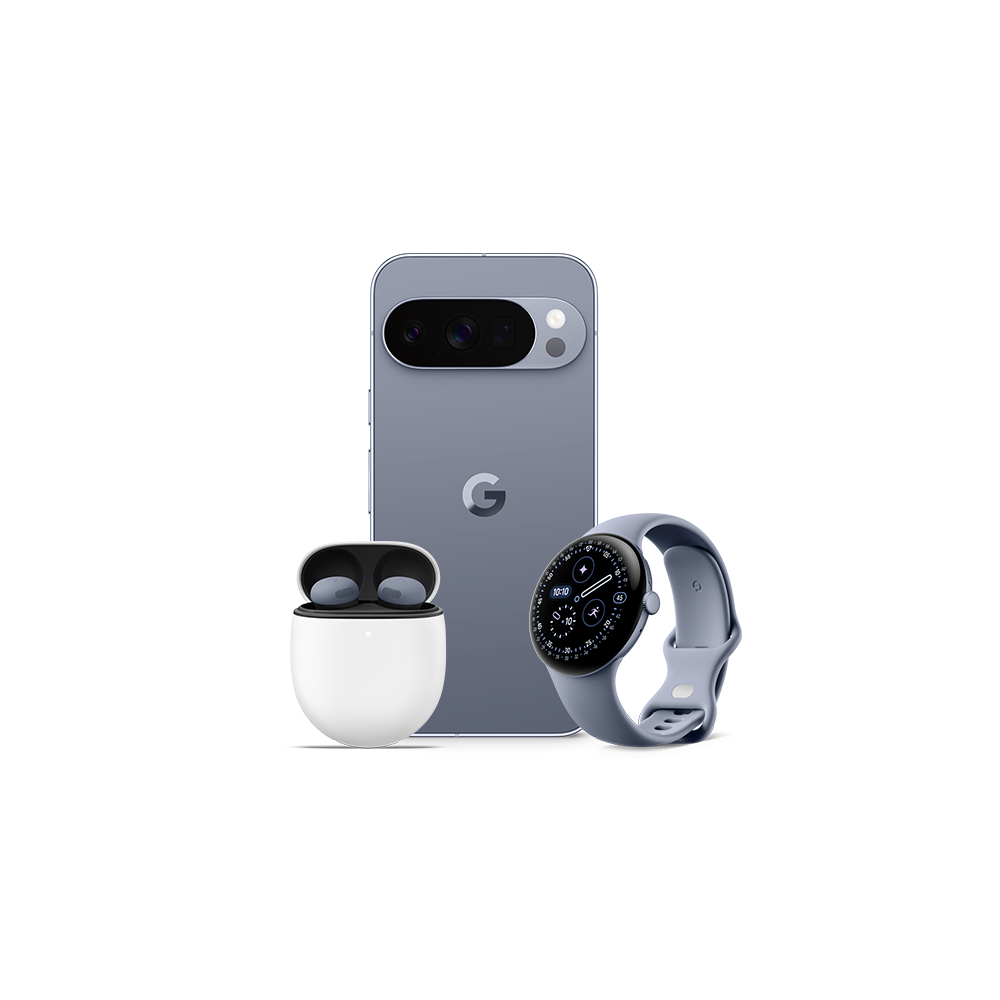
All that context is so that you understand that if you want a Pixel Watch 4, but your primary cell is an iPhone, that thing on your wrist will essentially be a shiny, but deeply handicapped bauble. Ditto for any Apple Watch you want to pair with an Android phone. Neither works. These are digitally walled ecosystems, designed to keep you using their respective brands’ devices.
That said, it’s still worth thinking about the design of the Pixel Watch 4 versus what Apple has to offer, because their respective form factors and functions represent two very different approaches to providing similar features and information.
Looking at the Pixel Watch 4 starts with understanding what it is. Unlike the Apple Watch, Google has chosen to make its Pixels round rather than squoval. You can choose between two sizes, 41mm and 45mm cases, and both have a slightly domed angle to the watchface. The incredibly bright display is also beautiful, with analog-like “complications” to the time display. Apple has also played with these animated elements, but the domed shape of the Pixel 4 provides a perceptional depth to the timepiece. Similar to an analog watch where hands nest beneath a crystal, the Pixel 4 has that liquid quality of seeing action beneath the surface, not on it.

Several of the new Pixel watch faces show this off well; one called Expedition has an offset second-hand and a main ring that functions as a second marker. At the center, around what would ordinarily be an axis for a dial, you can add complications like the date, weather, step count and hear rate. It’s simply gorgeous, and clearly Google is leveraging its technological prowess with this build.
What’s too bad, then, is that for all of its digital horsepower, the Pixel is hamstrung by its uncomfortable default Active Band strap. Like the Apple Watch, the bracelet attaches via a proprietary anchor system that locks within the body of the case itself. Unlike Apple’s silicon straps, however, the way these attach to the Pixel 4 creates a gap between the edge of the case back and your wrist. And the indexing of the strap clasp isn’t fine enough to get to a just-right level of snug-ness. This led to a floppy feeling while jogging—or a tourniquet option, which also was unpleasant. There are optional, better bands available, but it’s too bad the stock one is so sloppy.
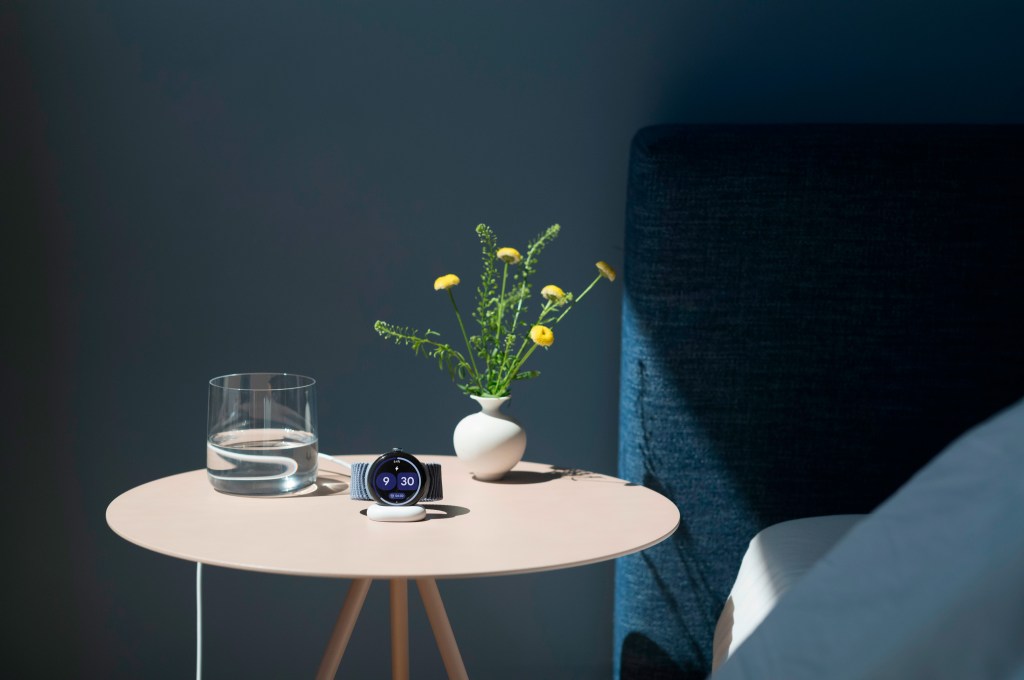
But the rest of the Pixel’s 4th-edition ledger is far stronger. Battery life is decent, at a claimed 40 hours, which is crucial if you want to track sleep. Ideally, you’d wear the Pixel all day, perhaps to track fitness as well, sleep with the device on, then charge it while you eat breakfast so you still get in full activity tracking each day. Charging is easy yet a little fiddly. Unlike an Apple Watch, which sits on a small, magnetic puck, case back side down, the Pixel Watch 4 charges on its side in a small, curved crescent. Unfortunately that charger is so dinky, it’s easy to knock it sideways and also dethrone the Pixel by accident, so you might find it’s unmoored and not actually charging. Luckily, refueling is quick, and it never seemed to take longer than 25 minutes to get to a full tank.
One aspect of the Google Pixel experience is that fitness data, by default, gets ported to the Fitbit app—because Google purchased that wearables maker and seems to think leveraging the Fitbit brand matters. But Fitbit’s app feels organized more holistically around total health and isn’t ideal for just tracking workouts. So aspects like diet and “daily readiness,” a measure of your restfulness prior to working out, all crowd into the Fitbit dashboard, which is overly jargon-packed. Just finding the workout you’ve completed requires more tapping and swiping than is ideal.
On the plus side, the Pixel 4’s sleep tracking is excellent and seemingly more granular than what Apple offers. Simply climb into bed and go to sleep. There’s nothing to monkey with, no settings to remember, no buttons to hit. It senses that you’re at rest and leaves you be. It also senses when you wake up, no tapping required.
It also automatically track workouts, requiring no input from the user. You can just go for your run or walk, or start your bike ride and that workout will be findable on your phone after you’re done. And since we tested against a current Apple Watch Ultra, the accuracy of heart rate data, speed, and mapping all seemed equal to or even slightly superior.
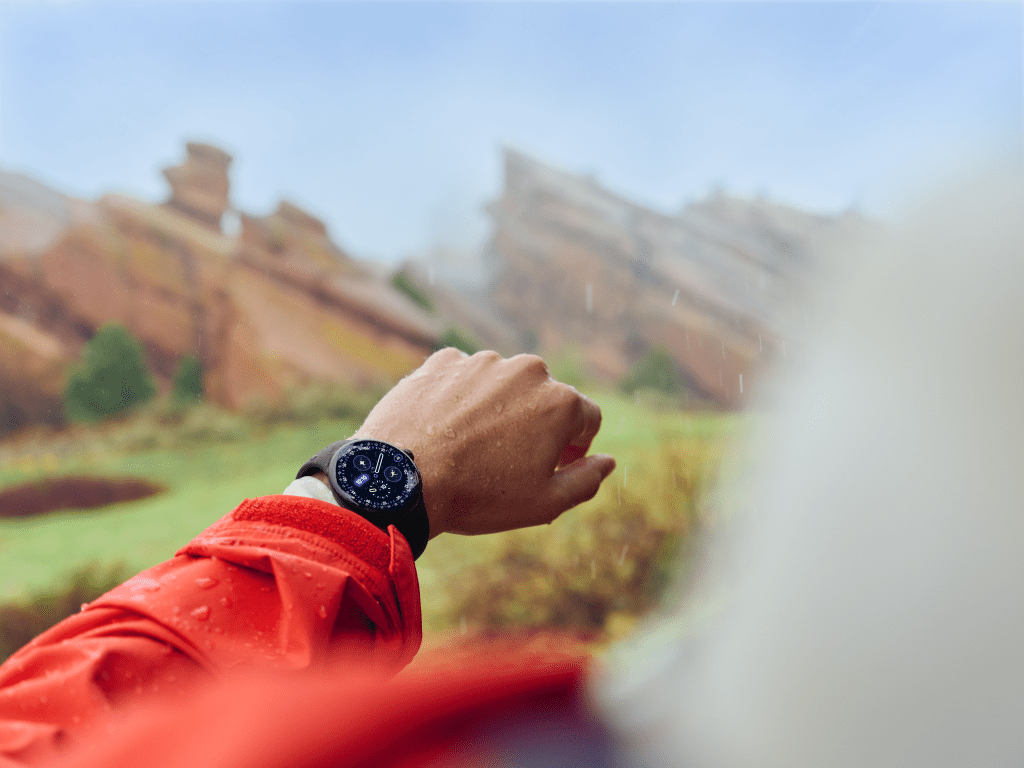
The downside is that if you’ve left the Pixel in its default sensing mode, you can’t glance down at your wrist and see your current pace, for example. Yes, the workout’s being tracked, but in the background. The Pixel doesn’t display the latter intel in its passive tracking mode. You can still manually start a workout, but unlike the Apple Watch, where it will prod you to record an outdoor run or walk 10 minutes into the sweat session, and then commence recording (and show you information like pace), the Pixel 4 doesn’t operate this way.
A reasonable “hack” is also what Apple allows, which is recording your fitness in an alternate app, such as Strava. And that offers an upside as well, because that lets you avoid the overly fussy Fitbit app interface for everything but sleep tracking.
In terms of other health metrics, you can measure blood oxygen, pulse and there’s an EKG function, as well as fall detection. And there’s satellite emergency communication, too, so if you do fall—say while backcountry skiing beyond cell service—the Pixel can automatically trigger a 911 call.
What’s quirky is that the Pixel Watch 4 also incorporates Gemini and a lift-your-wrist-and-talk function. Meaning, lift and speak into the Watch’s mic, and make requests like you would with a smart speaker.
We found the performance hit or miss. First, know that the Pixel is leveraging its connection to your Android phone. Even then, when we asked the Pixel 4 to dial a phone number, then gave it the number, it confused the command and performed a mathematical formula with the nine digits. Still, that wasn’t a frequent glitch. Most operations, like asking for search results or prompting navigation worked quite well; ditto surfacing the weather forecast and asking the Pixel to tell us our upcoming scheduled appointments.
Bottom line, the Google Pixel Watch 4 is pretty, highly proficient and a great companion device for any Android phone user. And at $299.99 (for the 41mm model), it’s also a very impressive value.











What are your thoughts?